Taking attendance in a seminar of 20 is straightforward. Taking attendance in a lecture hall of 200 is a different problem entirely, and most of the methods instructors rely on were never designed for it.
Roll call in a large lecture can consume ten minutes of a 50-minute session. Sign-in sheets circulate without supervision across rows too wide to monitor. QR codes get shared over group chats before the slide changes. The result is attendance data that instructors know is unreliable but have no easy way to fix without switching to something better.
This guide covers where the most common methods break down at scale, what a workable solution actually needs to do, and how universities are solving this in practice.
Why large lectures make attendance so difficult
Attendance tracking gets harder as class size grows, and not just because there are more names to call. The entire dynamic of the room changes.
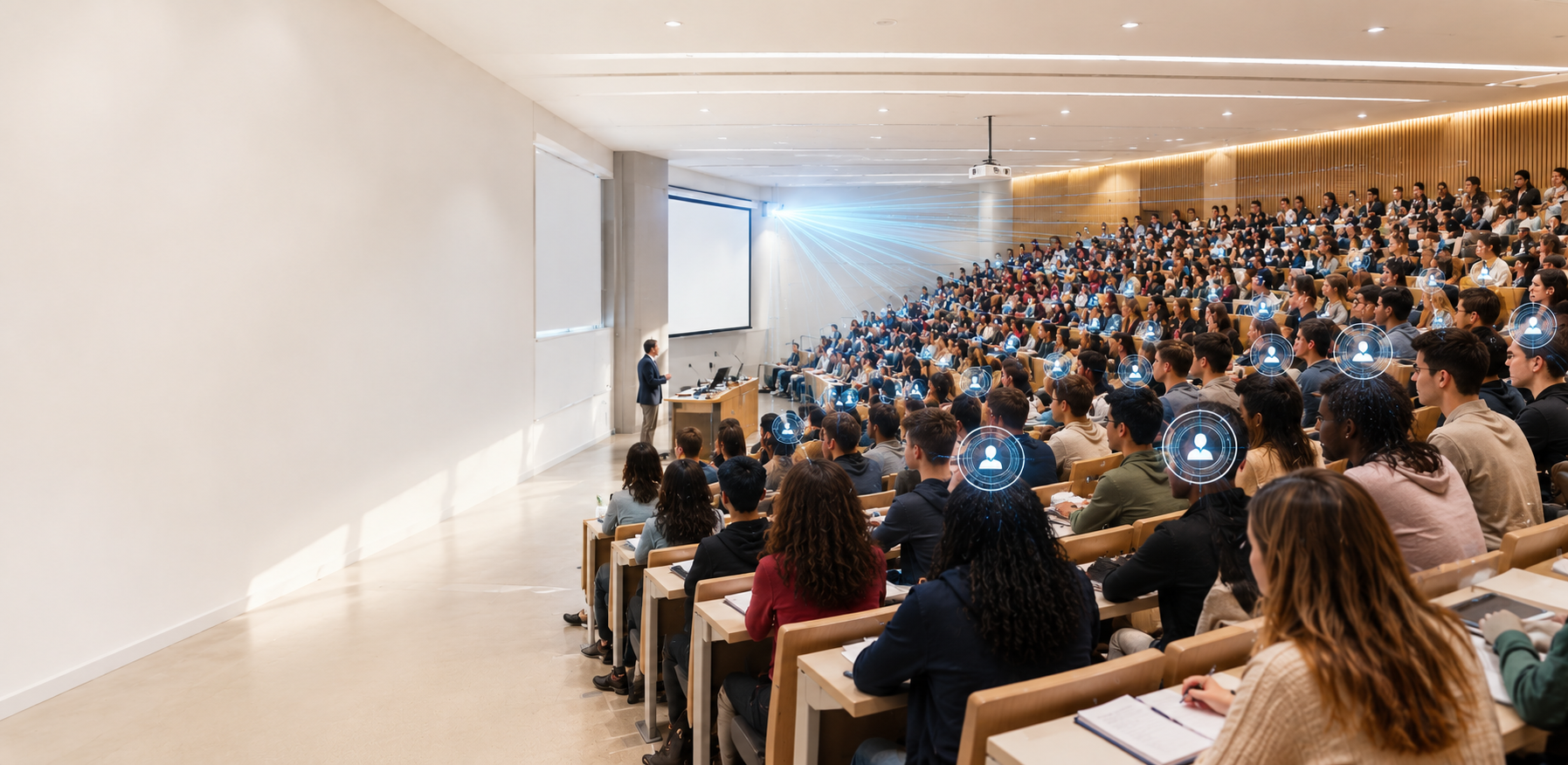
In a seminar, an instructor knows who is present at a glance. Absences are obvious. In a 250-seat lecture hall, a lot of students are faces the instructor does not recognise. A student can arrive late, leave early, or simply not show up without anyone noticing. Another student can answer their name during roll call from three rows away.
The anonymity that comes with scale is the core problem. It lowers the perceived risk of skipping class, makes proxy attendance easier, and reduces the reliability of any method that depends on the instructor observing or verifying individual students. Add in the time pressure of a lecture schedule and it becomes clear why so many instructors in large classes eventually give up on attendance altogether, or accept that their records are approximate at best.
The methods most commonly used (and where they break down at scale)
Roll call
Roll call is the default for a reason. It requires no technology, no setup, and no student preparation. In a class of 20 it is perfectly reasonable. In a class of 200 it can easily consume ten minutes of a 50-minute lecture, and the data it produces is unreliable. Mishearing names, students answering for absent friends, and late arrivals who never get marked are all common. By the time the list is complete, the instructor has already lost a significant portion of the session.
Paper sign-in sheets
Sign-in sheets solve the time problem by running in parallel rather than sequentially. Students sign as the sheet passes along the rows. The issue is that supervision is impossible across a large lecture hall. A student can sign two or three names before passing it along. Sheets occasionally go missing. And once the session ends, the data still needs to be manually transcribed into whatever system the university uses, adding further time and the risk of transcription errors.
QR codes
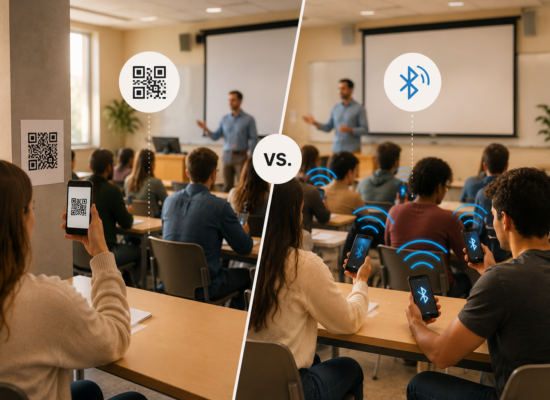
QR codes are a genuine improvement on both methods. Check-in is fast, there is no paper, and the data is captured digitally. The problem at large-class scale is that a QR code displayed on a presentation slide is visible to everyone in the room, including students who photograph it and send it to absent friends before the slide changes. In a large lecture with hundreds of students, that screenshot can circulate across a year group in under a minute. Rotating codes reduce the window but rely on students not being faster than the rotation.
Clicker systems
Hardware clicker systems were designed partly to address large-class engagement and can double as attendance tools. They are reasonably accurate but come with significant overhead. Clickers need to be purchased or rented, distributed, managed, and collected. Students forget them, lose them, or share them. The infrastructure cost and logistical burden make clicker systems impractical for most instructors managing their own courses without institutional support.

What makes an attendance method actually work in a large lecture
Before looking at solutions, it helps to be clear on what the requirements actually are for a large-class context specifically.
Speed that does not depend on class size. A method that takes 30 seconds in a class of 30 but ten minutes in a class of 300 is not scalable. The ideal method completes check-in in roughly the same time regardless of how many students are enrolled.
Physical presence verification. In an anonymous large-class environment, any method that relies on a shareable credential (a code, a link, an image) will be gamed. The method needs to verify that the student is physically in the room, not just that they have access to a check-in token.
No hardware or room setup. Asking instructors to install equipment, configure scanners, or manage physical devices before each session adds friction that kills adoption. The solution needs to work with what instructors and students already carry.
Automatic record-keeping. In a large class, manually transferring attendance data after the session is a meaningful time cost. The record should be captured and stored automatically, ready to export without additional work.
For more context on how different methods compare across these criteria, see What is the best way to track student attendance? and How do universities track student attendance?
How Bluetooth attendance handles large classes
Bluetooth-based attendance meets all four of the criteria above, which is why it has become the preferred method for large-class tracking at a growing number of universities.
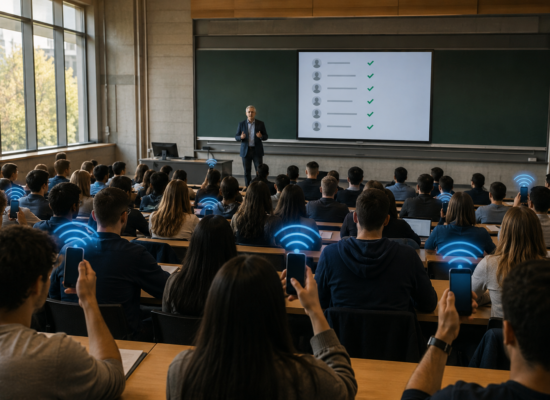
The mechanism is straightforward. The instructor emits a secure Bluetooth Low Energy signal from their device. Every student in the room opens the app and taps once to check in. Because all students check in simultaneously rather than sequentially, the time taken does not increase with class size. A lecture of 300 students checks in just as quickly as a lecture of 30.
The physical proximity requirement is what makes it resistant to the proxy attendance and QR code forwarding problems that affect other digital methods. The Bluetooth signal exists only in the room. A student who is not present cannot receive it and use it to check in. For a detailed explanation of how the technology works, see Bluetooth attendance tracking for universities: the complete guide.
For students who cannot connect via Bluetooth (a dead battery, an older device, or a technical issue) the manual code fallback provides a reliable alternative. The instructor generates a six-digit session code and shares it verbally during the class. Unlike a QR code, it is not a displayable image that can be photographed and forwarded. Students who were not present have no straightforward way to obtain it after the session ends.
How Attendance Radar works in a large lecture
Attendance Radar was built with large-class environments in mind and is used across lecture halls ranging from small tutorials to sessions with several hundred students at universities including Tilburg, Antwerp, Indiana Wesleyan, and IESE Business School.
The instructor experience is a single tap to start emitting the Bluetooth signal. Students open the app and tap once to mark themselves present. No names are called. No sheets circulate. No codes are projected on slides. The entire check-in process takes seconds and does not scale with class size.
The attendance record is stored and saved, students can view their own attendance through the app. Instructors can export the full session record to Excel at any point, making it straightforward to share with academic advisors, compliance offices, or administrators without manual reformatting. For institutions that need attendance data in their LMS, the University version integrates directly, removing the need for any manual data transfer. See how to track attendance in your learning management system for more on how this works in practice.
Attendance Radar is free to download and use.
Frequently asked questions
What is the fastest way to take attendance in a large class?
Bluetooth-based attendance is currently the fastest method for large lectures because all students check in simultaneously rather than one at a time. The process takes the same amount of time regardless of whether there are 30 or 300 students in the room.
How do you stop students signing in for each other in large lectures?
Physical presence verification is the most effective approach. Bluetooth attendance requires a student’s device to be within range of the instructor’s signal to check in, which means an absent student cannot register remotely. Combined with account-level identity verification, this makes proxy attendance significantly harder than with roll call, sign-in sheets, or QR codes. For a fuller discussion, see Proxy attendance in universities: what it is and how to stop it.
Does Bluetooth attendance work in a 300-seat lecture hall?
Yes. Bluetooth Low Energy signals broadcast effectively across standard lecture theatre sizes without additional hardware. Attendance Radar has been used successfully in large lecture halls across multiple universities with no special room configuration required.
What happens if a student does not have their phone or cannot connect to Bluetooth?
A manual code fallback is available. The instructor generates a session-specific six-digit code and shares it verbally during the class. Students who cannot connect via Bluetooth enter the code manually to mark their attendance.
Can attendance records from large lectures be exported for reporting?
Yes. Attendance Radar stores session records automatically and allows export to Excel at any point. University plans also support direct integration with LMS and student information systems, removing the need for manual data transfer.
The bottom line
Large lectures present a specific set of attendance challenges that most common methods are simply not designed for. Roll call does not scale. Sign-in sheets cannot be supervised. QR codes are too easily shared. What works is a method that completes check-in simultaneously for all students, verifies physical presence, and captures the record automatically.
Bluetooth-based attendance does all of this without any hardware, any room setup, or any meaningful disruption to the start of class.
Attendance Radar is free to download.
Try it in your next lecture and see how long check-in actually takes.
Download Attendance Radar for free today.
For more on attendance tracking methods and tools, see Attendance tracking software for universities: how to choose the right system and How to check attendance: the different methods and our solution.